Performance
What the library does
- Native-driver animations. Wheel 3D transforms, fades, month slides and sheet transitions run on the UI thread on iOS and Android.
- Native drag for sheets. On iOS and Android the sheet drag is a native
ScrollViewthat snaps on the UI thread, so the sheet follows your finger even while JavaScript is blocked. - Virtualized lists. Wheels and the emoji grid are
FlatLists withgetItemLayout, so only visible rows exist and scrolling never measures. - Memoized rows. While a wheel scrolls, only the two rows whose selected state flips re-render. Calendar days and emoji cells are memoized too.
- Lazy emoji data. The 1,923-emoji table is parsed on first use and cached.
- Formatter cache.
Intl.DateTimeFormatinstances are cached per locale and options.
What you can do
Keep items / options stable. Define them outside the component or useMemo them. New arrays every render make wheels re-normalize their items.
// ✅ stable
const HOURS = Array.from({ length: 24 }, (_, i) => i);
function Example() {
  return <WheelPicker items={HOURS} … />;
}
Memoize theme and styles objects, especially on wheels:
const theme = useMemo(() => ({ colors: { primary: brand } }), [brand]);
Keep callbacks light. onValueChanging fires on every row crossing; do haptics or cheap updates there, not network calls. Save in onChange.
Keep isDateDisabled fast. It runs for up to 42 days per render. Precompute a Set of toDateKeys.
Mount sheets once. Keep <DatePickerSheet visible={open} … /> in the tree and toggle visible. It renders nothing while closed.
Long select lists. SelectList is virtualized. For thousands of options, give it a listHeight so the FlatList can window.
Benchmarks
Animations that run on the UI thread keep moving when JavaScript is busy, for example while a screen renders a long list. To check that, we ran the same gesture on each component, ours and the most popular library for the same job, while the JS thread was blocked for 0, 50, 100 or 200 ms at a time (with one free frame between blocks).
Each cell is frames per second · longest freeze while the gesture runs: the frames in which the component's area changed on a screen recording, and the longest gap between two of them. Higher fps and a shorter freeze are better. 60 fps is the screen's limit; a freeze of about 17 ms is no dropped frame, 33 ms is one.
Android
Pixel 9 Pro XL emulator, Android 16. Every row comes from one session, except Quidone's 200 ms cell and the emoji row, which come from repeat runs: the first runs overlapped another job on the machine or missed the grid.
| Component | Library | 0 ms | 50 ms | 100 ms | 200 ms |
|---|---|---|---|---|---|
| Bottom sheet, drag | React Native Pickers | 60 · 24 ms | 60 · 28 ms | 60 · 23 ms | 61 · 23 ms |
@gorhom/bottom-sheet 5.2.14 | 57 · 32 ms | 56 · 33 ms | 56 · 34 ms | 56 · 33 ms | |
| Wheel, drag | React Native Pickers | 60 · 33 ms | 60 · 23 ms | 60 · 33 ms | 60 · 33 ms |
@quidone/react-native-wheel-picker 1.7.2 | 61 · 21 ms | 60 · 22 ms | 61 · 21 ms | 61 · 22 ms | |
| Calendar, month swipe | React Native Pickers | 30 · 25 ms | 28 · 26 ms | 30 · 34 ms | 27 · 26 ms |
react-native-calendars 1.1314.0 | 30 · 41 ms | 31 · 215 ms | 30 · 42 ms | 30 · 41 ms | |
| Emoji grid, scroll | React Native Pickers | 61 · 20 ms | 61 · 32 ms | 61 · 23 ms | 59 · 36 ms |
iOS
iPhone 17 Pro simulator, iOS 26.2. While Quidone's wheel was on screen, taps elsewhere stopped registering in our setup, so for that row the app was relaunched to set each load first.
| Component | Library | 0 ms | 50 ms | 100 ms | 200 ms |
|---|---|---|---|---|---|
| Bottom sheet, drag | React Native Pickers | 61 · 23 ms | 59 · 28 ms | 61 · 18 ms | 61 · 20 ms |
@gorhom/bottom-sheet 5.2.14 | 61 · 27 ms | 60 · 32 ms | 60 · 47 ms | 59 · 37 ms | |
| Wheel, drag | React Native Pickers | 61 · 22 ms | 61 · 25 ms | 61 · 22 ms | 61 · 20 ms |
@quidone/react-native-wheel-picker 1.7.2 | 60 · 35 ms | 60 · 33 ms | 60 · 33 ms | 60 · 33 ms | |
@react-native-picker/picker 2.11.4 (native UIPickerView) | 44 · 37 ms | 41 · 52 ms | 40 · 50 ms | 61 · 20 ms | |
| Calendar, month swipe | React Native Pickers | 38 · 32 ms | 35 · 33 ms | 36 · 20 ms | 36 · 35 ms |
react-native-calendars 1.1314.0 | 38 · 22 ms | 37 · 20 ms | 38 · 20 ms | 35 · 33 ms | |
| Emoji grid, scroll | React Native Pickers | 61 · 27 ms | 61 · 27 ms | 61 · 23 ms | 61 · 35 ms |
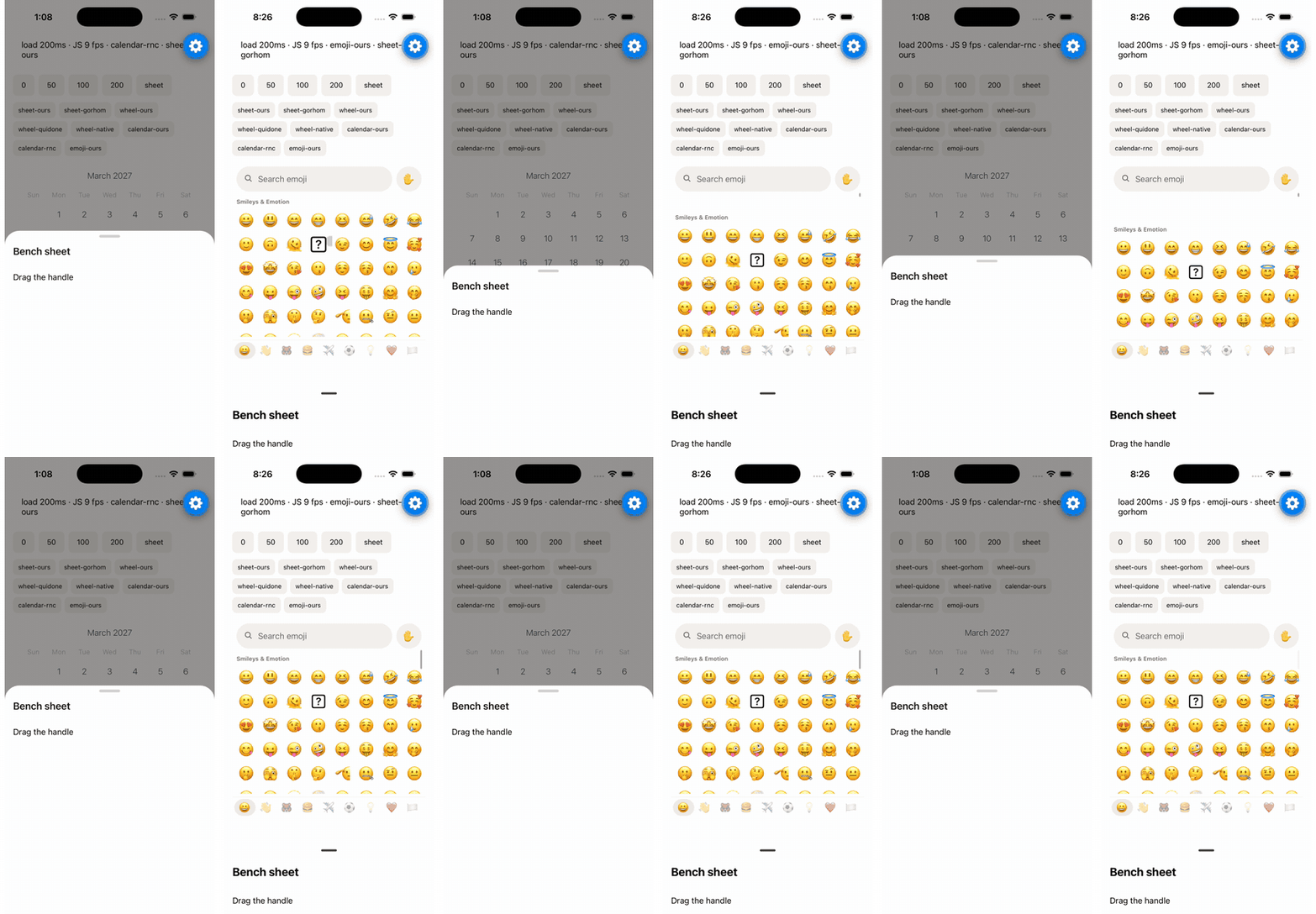
Left: React Native Pickers. Right: @gorhom/bottom-sheet. iOS, JavaScript blocked for 200 ms at a time.
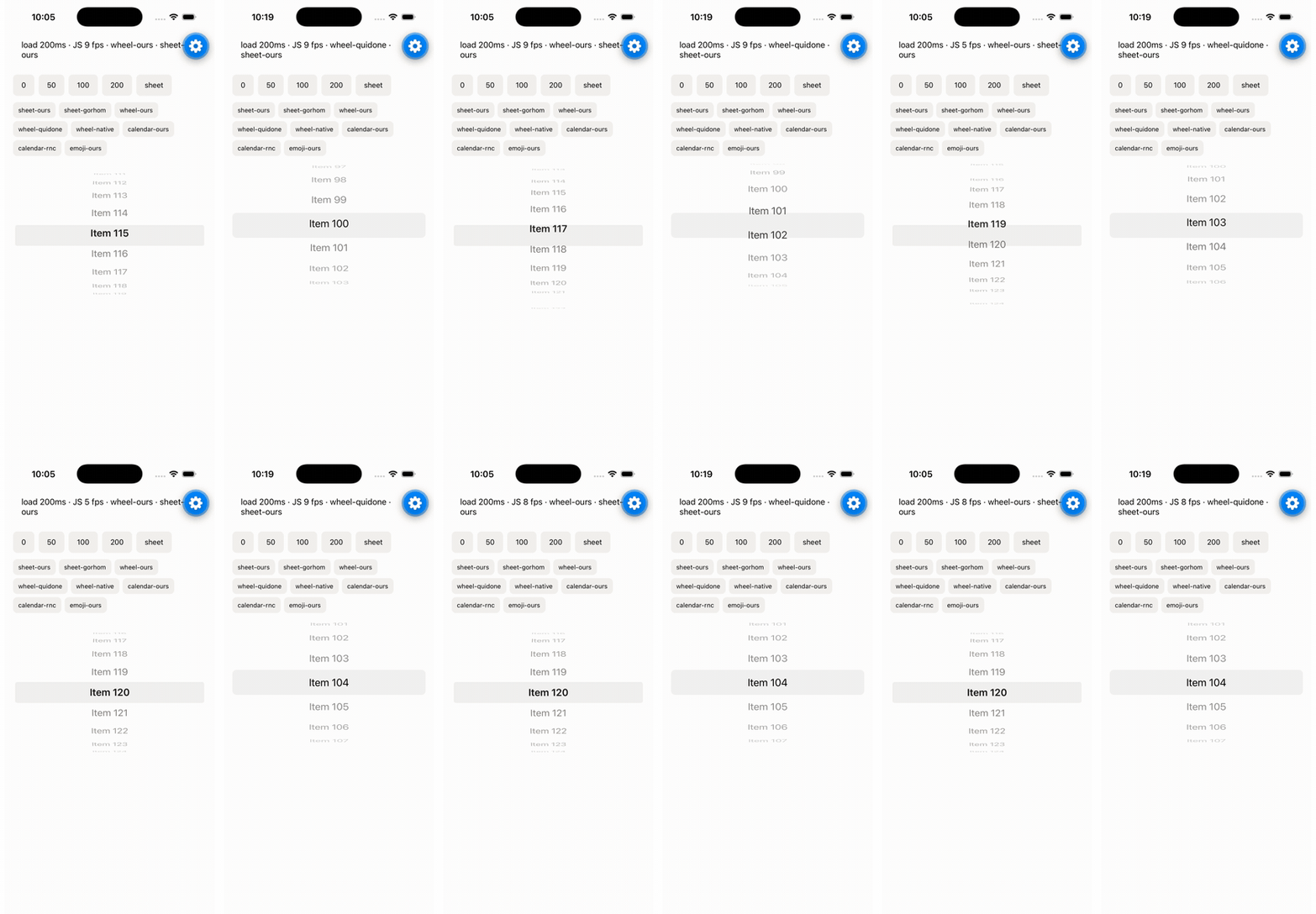
Left: React Native Pickers. Right: @quidone/react-native-wheel-picker. iOS, JavaScript blocked for 200 ms at a time.
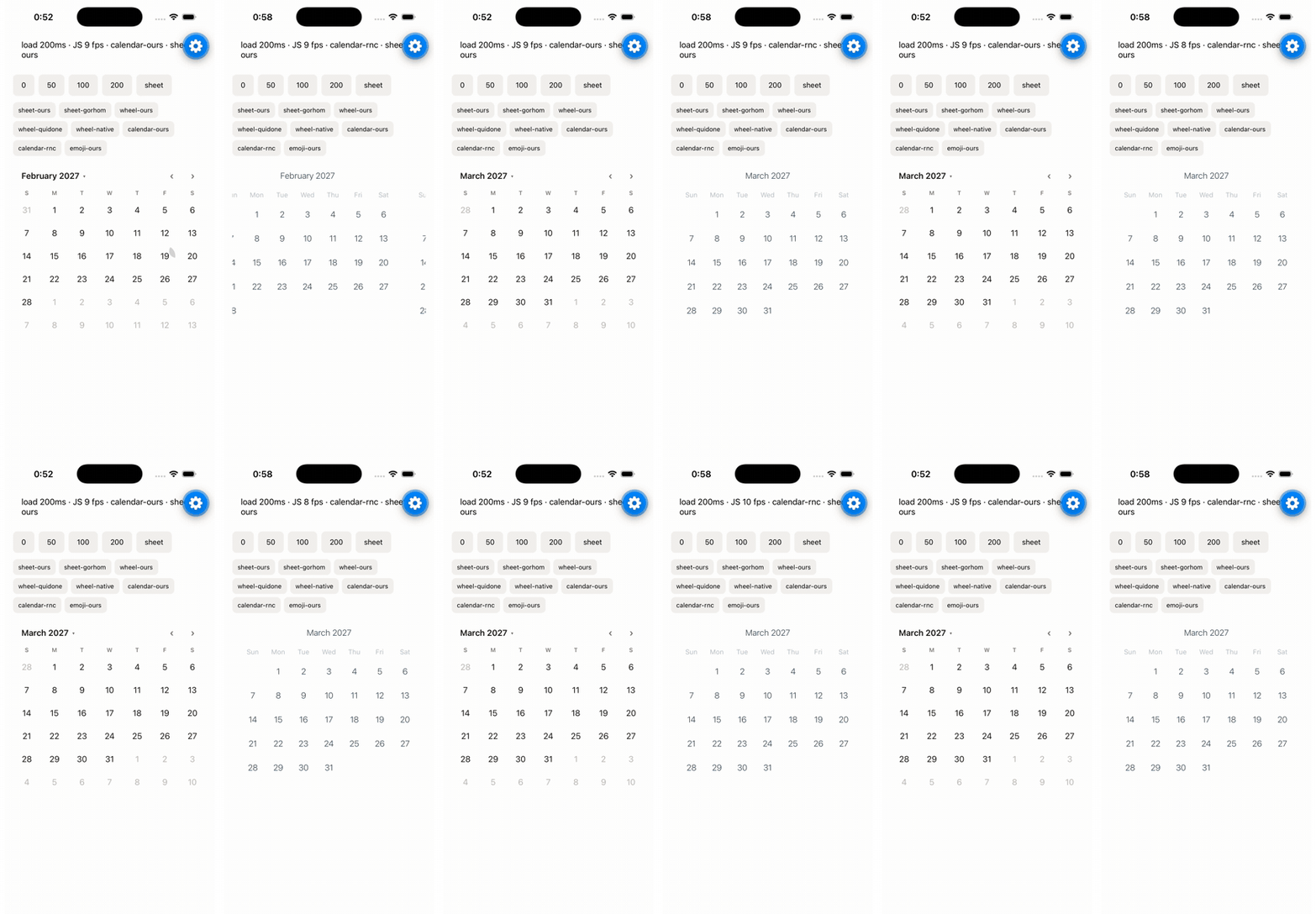
Left: React Native Pickers. Right: react-native-calendars. iOS, JavaScript blocked for 200 ms at a time.
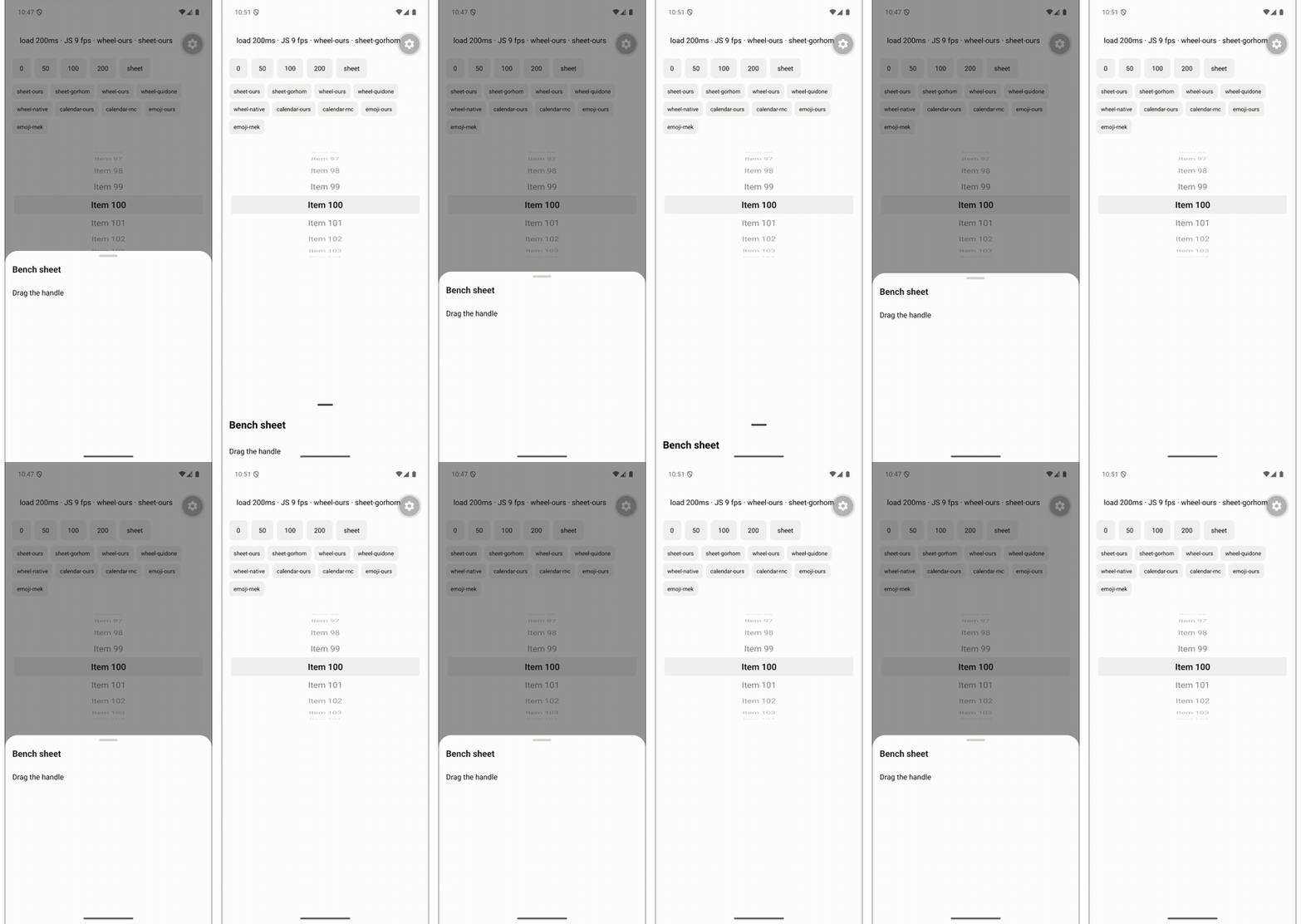
Left: React Native Pickers. Right: @gorhom/bottom-sheet. Android, JavaScript blocked for 200 ms at a time.
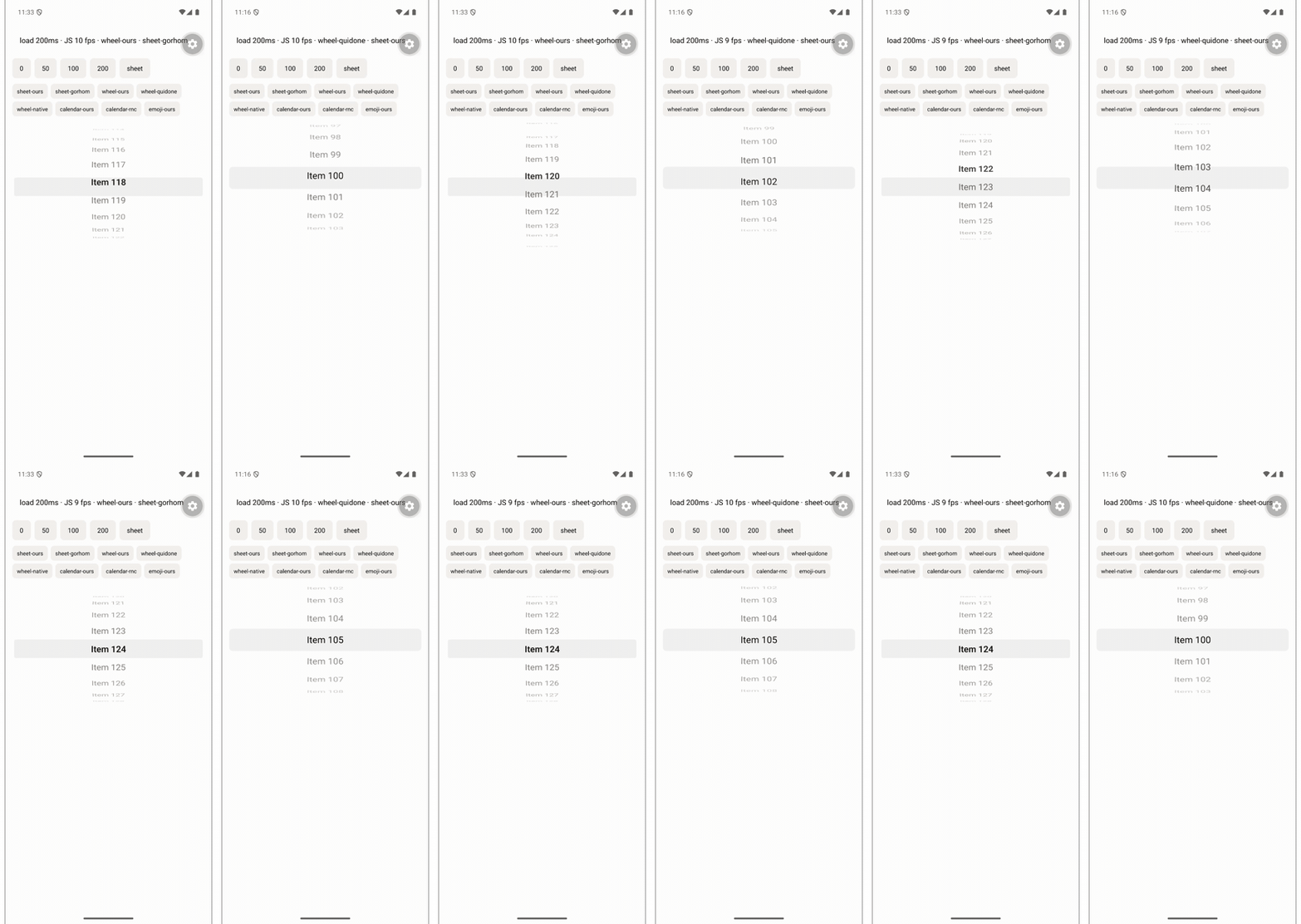
Left: React Native Pickers. Right: @quidone/react-native-wheel-picker. Android, JavaScript blocked for 200 ms at a time.
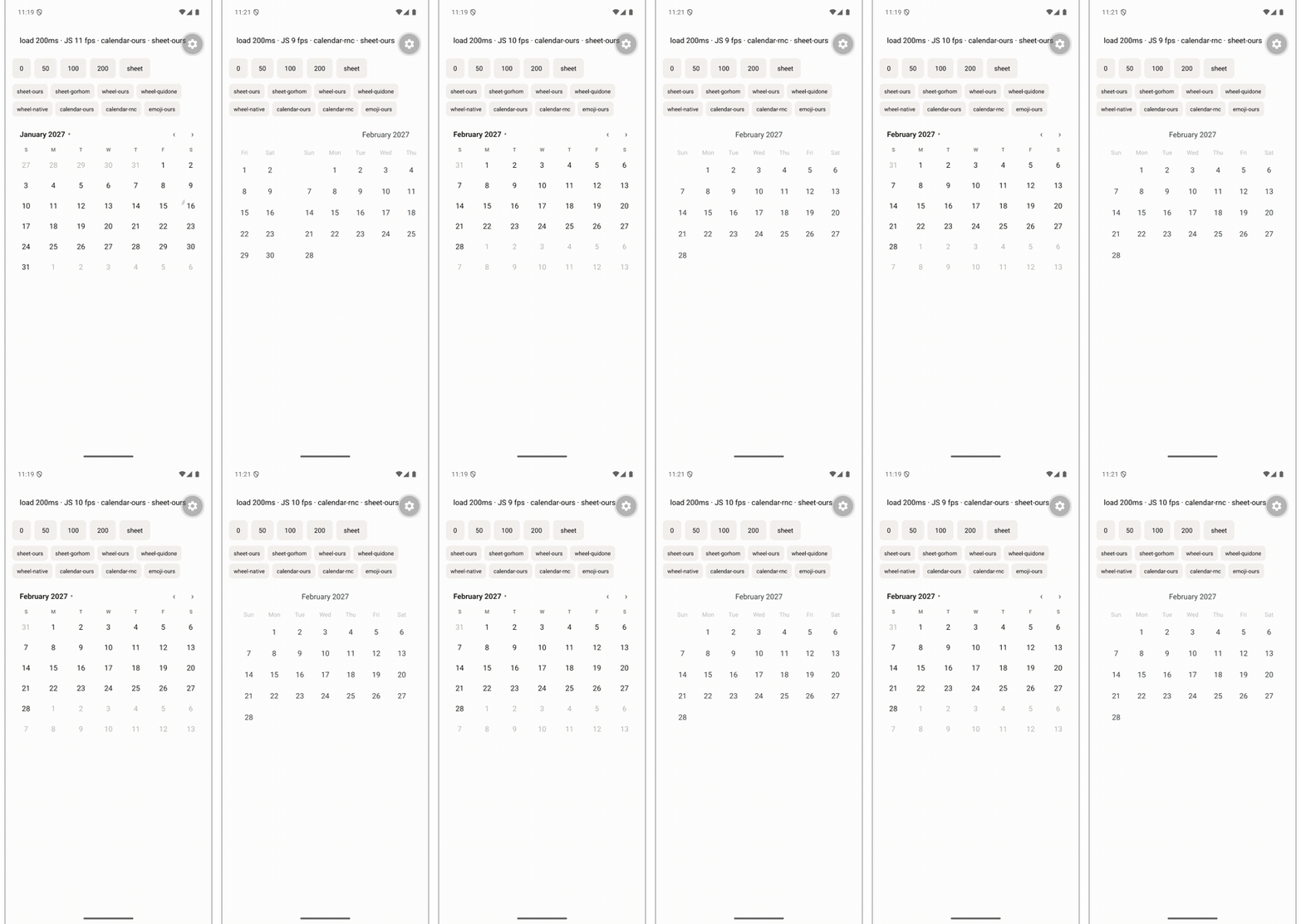
Left: React Native Pickers. Right: react-native-calendars. Android, JavaScript blocked for 200 ms at a time.
What the numbers say
- Gestures don't freeze under load. Every drag and scroll runs on the UI thread, so blocking JavaScript for 200 ms at a time doesn't stop the gesture. Up to v0.28, the sheet drag ran in JavaScript and dropped to 7–10 fps at 200 ms. It now runs on the UI thread: on Android it beats
@gorhom/bottom-sheet(60 fps against 56), and on iOS both hold 60 fps with shorter freezes for ours, all without Reanimated or Gesture Handler. - Wheels match Quidone's wheel picker at 60 fps on both platforms (on iOS with shorter freezes for ours) and outpace
@react-native-picker/pickeron iOS. On Android our wheel drops one frame when the finger lifts and the row snaps. - Calendars are even. The calendar's fps is lower than the others' because the month only moves for part of the measured window.
react-native-calendarspages its months in a native scroll view that follows the finger; ours changes month when the finger lifts, then slides the new month in on the UI thread. - Emulators and simulators aren't phones. Absolute numbers depend on the machine, and the screen recording itself costs frames. Compare rows from the same table, not across tables.
Libraries we couldn't measure
On React Native 0.88 (Expo SDK 58), these libraries crash before they render, because they call InteractionManager, which React Native 0.88 no longer exports:
react-native-modal14.0.0-rc.1:Cannot read property 'createInteractionHandle' of undefinedwhen the modal opens. See Migrate from react-native-modal.rn-emoji-keyboard1.7.0:Cannot read property 'runAfterInteractions' of undefinedwhen the keyboard renders. See Migrate from rn-emoji-keyboard.
@react-native-picker/picker is a dropdown on Android, not a wheel, so it's only in the iOS table.
Run it yourself
The benchmark app lives in example/src/benchmark. Start it with EXPO_PUBLIC_BENCHMARK=1 npx expo start --no-dev --minify, pick a component and a JS load, then drag while recording the screen. The other libraries are dependencies of the example app only; the published package still has none. Expo SDK 58, React Native 0.88, Reanimated 4.7.1 and Gesture Handler 3.3.0 for the libraries that need them; JavaScript runs without dev mode in Expo Go.